The price was great. The box looked right. You installed it, and within a week the prints were streaky, or the printer threw an error.
Sound familiar? You may have bought a fake. It’s more common than people think, and it can cost you far more than the money you saved. Let’s look at how to spot one, and how to avoid buying it in the first place.
Fake vs Compatible: Not the Same Thing
First, a quick clarification. These two get mixed up all the time.
- A compatible cartridge is made by another company and sold honestly as compatible. It doesn’t pretend to be HP. Good ones can work well.
- A fake or counterfeit cartridge copies HP’s branding and packaging to pass as genuine. That’s the problem. You think you’re buying one thing and you get another.
So the issue isn’t whether toner is original or compatible. It’s whether the seller is honest about what you’re getting.
Why Fake Toner Is a Problem
A fake can cause real trouble:
- Faded prints, streaks and smudges
- Toner leaks inside the printer
- “Cartridge not recognized” errors
- Fewer pages than promised
- Extra wear on the drum and other parts
In the worst case, a leaking cartridge makes a mess that needs a technician to clean.
8 Warning Signs of a Fake Cartridge
No single sign proves it. But several together should make you stop.
1. The Price Is Too Good to Be True
Genuine toner has a realistic price range. If a “genuine HP” cartridge costs far less than every other seller, be suspicious. Real savings come from honest compatible toner, not from fake originals.
2. The Packaging Looks Off
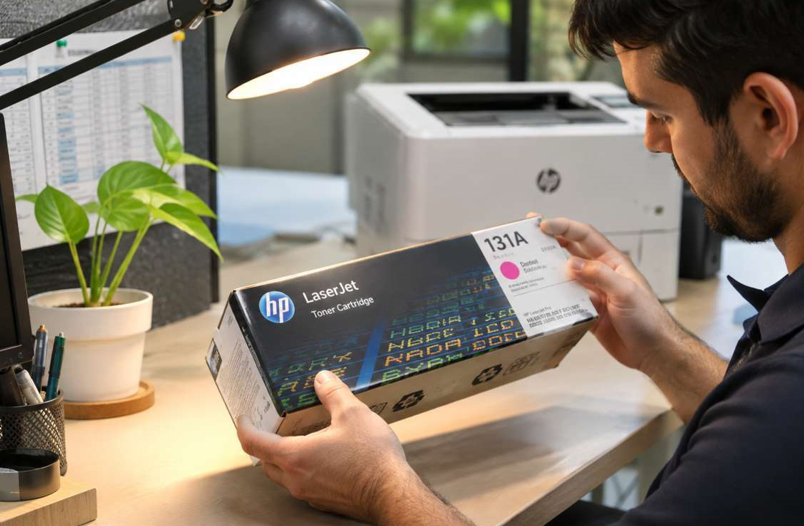
Look closely at the box. Blurry printing, spelling mistakes, faded colours, flimsy cardboard or poorly sealed edges are red flags. Compare it with the packaging on HP’s official website.
3. The Seals and Labels Look Wrong
Genuine boxes and cartridges usually have security labels and tidy seals. Torn, loose or badly stuck labels are a warning. HP explains its current security features on its website, so check there rather than relying on old tips.
4. The Toner Number Doesn’t Match
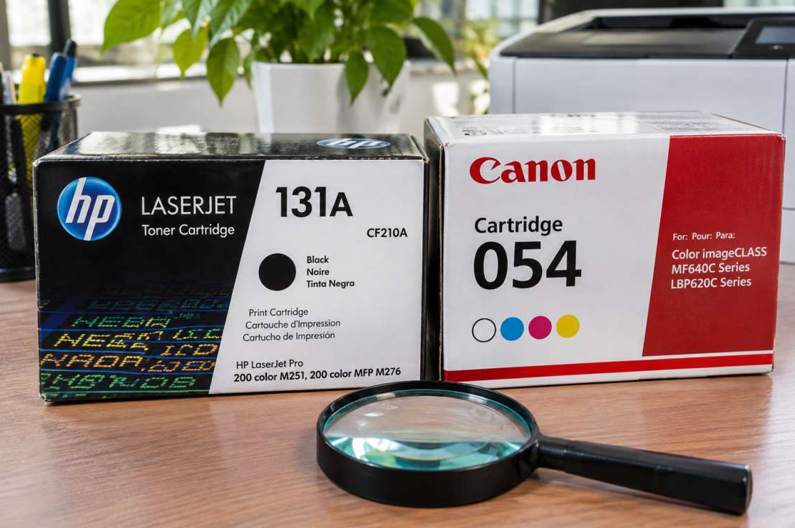
Check the number on the box and on the cartridge itself. They should match each other and your printer model. Mismatched codes are a bad sign.
5. The Cartridge Feels or Looks Cheap
Rough plastic edges, loose parts, uneven colours or toner dust on the outside can point to poor manufacturing. A genuine cartridge usually looks clean and well finished.
6. The Seller Is Vague
Be careful if a seller won’t give a business address, a phone number or clear return terms. A trustworthy seller answers questions and stands behind the product.
7. The Printer Acts Strangely
After installing, watch for recognition errors, faint prints, lines or a toner smell. These can mean a poor cartridge, whether it’s fake or just badly made.
8. The Page Yield Falls Short
A cartridge that runs out in a fraction of the expected pages may hold less toner than claimed. Keep a note of the date you install it and the page count.
See also: From Guided Lessons to Independent Playing: Progressing Beyond App-Based Learning
How to Buy Safely
Prevention beats detection. A few habits protect you:
- Buy from a trusted HP toner supplier in Dubai that lists your exact printer model and cartridge number
- Ask the seller whether the cartridge is original or compatible, and expect a straight answer
- Check for sealed, properly printed packaging
- Keep your receipt or invoice
- Look for a clear return or exchange policy
- Be cautious with unknown sellers on marketplaces
If a seller sells compatible toner, that’s fine. You just want them to say so.
What to Do If You Think You Bought a Fake
Stay calm. Take these steps:
- Stop using it. Don’t keep printing if the cartridge is leaking or causing errors.
- Take photos. Capture the box, labels, cartridge and any damage.
- Contact the seller. Share your photos and ask for a refund or replacement.
- Check your printer. Remove the cartridge carefully and look for leaked toner inside.
- Clean up gently. Use a dry, lint-free cloth. Don’t use water.
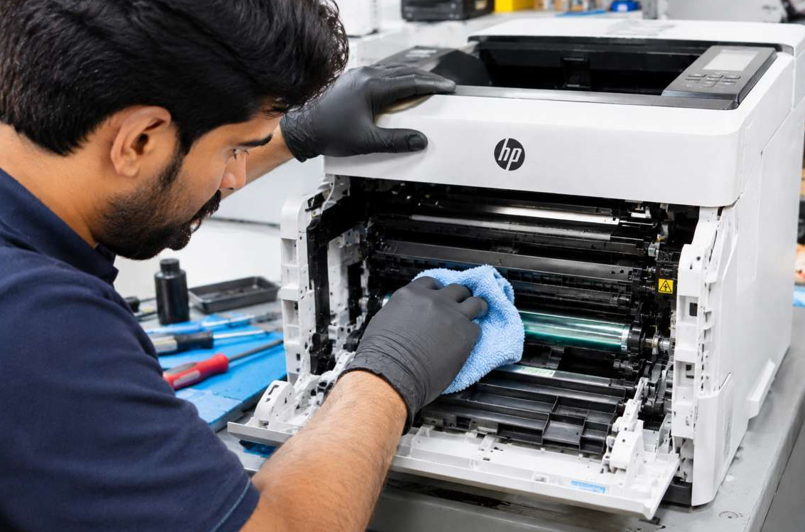
If toner has leaked into the machine, or the printer still has problems after you swap cartridges, don’t ignore it. A leaking cartridge can damage the drum, fuser or other parts. A local HP LaserJet printer repair specialist can clean the inside, test the parts and tell you what needs replacing. Acting early usually keeps the repair small.
Mistakes to Avoid
- Choosing the cheapest listing without checking the seller
- Assuming every compatible cartridge is bad
- Ignoring mismatched numbers on the box
- Throwing away the packaging before testing the cartridge
- Cleaning leaked toner with water
- Opening the printer without training
Habits That Protect Your Printer
- Write your toner number on a sticky note near the printer
- Buy from the same reliable supplier each time
- Keep spare cartridges sealed, in a cool, dry place
- Record the install date and page count
- Report problems to the seller quickly
When Should You Get Extra Help?
Ask a technician if:
- Toner has leaked inside the printer
- Prints stay poor after you replace the cartridge
- Errors continue with a correct, new cartridge
- You hear grinding or clicking
- You smell something burning
Please don’t take the printer apart yourself. The fuser inside gets very hot, and small parts break easily.
Final Thoughts
You don’t need to be an expert to avoid fake toner. Be wary of prices that seem too good. Check the packaging, labels and numbers. Buy from a seller who’s honest about what they sell. And if a cartridge causes trouble, stop using it and get the printer checked. A few careful minutes at the start can save you weeks of headaches later.